

Keywords covered:
how to get google reviewsget more google reviewsgoogle reviews for businessincrease google reviewsgoogle review strategyhow to ask for google reviewsgoogle reviews tipsget customer reviews googlegoogle my business reviewsgoogle review linkrespond to google reviewsnegative google reviewfake google reviewgoogle reviews indiagoogle review generationGoogle reviews are the most powerful and most underutilised local business growth tool available. They simultaneously influence three things that determine your business’s success:
Yet the vast majority of Indian businesses generate reviews by accident — waiting for customers to voluntarily leave them without any systematic process. Businesses that implement a deliberate review generation system generate 5–10x more reviews per month than those that do not, compounding their competitive advantage in Maps ranking and conversion month by month.
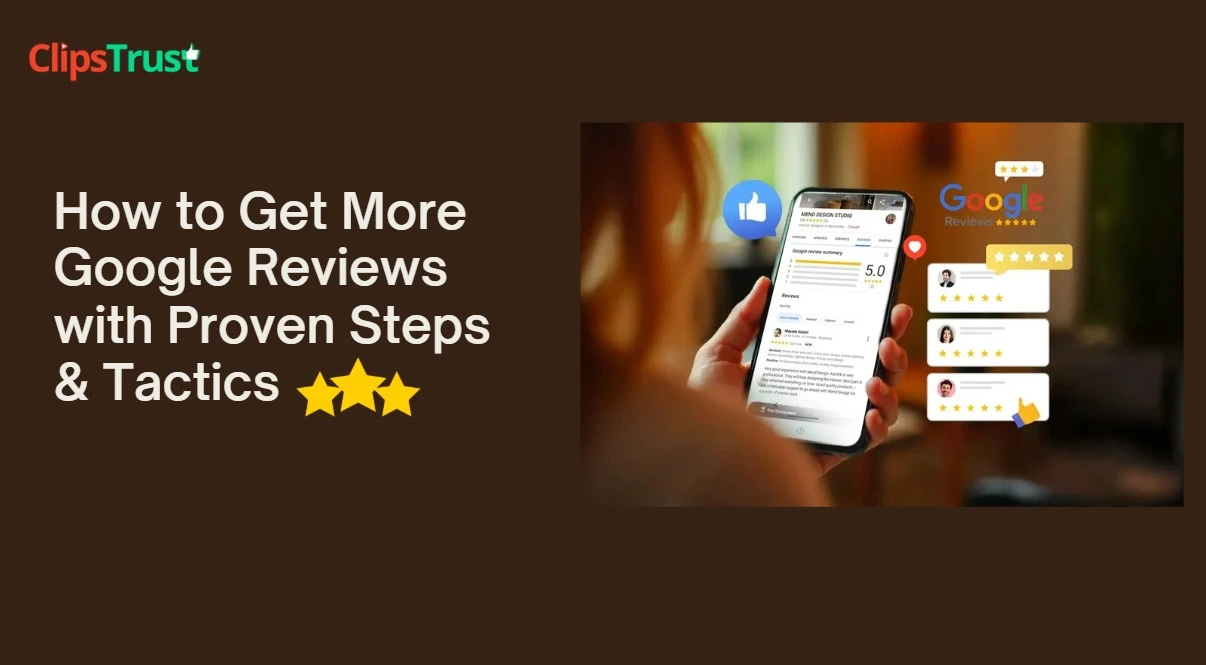
The first action for any review generation system is creating a direct link that takes customers straight to your Google review form. Without this link, many customers who intend to leave a review give up because they cannot find your business on Google or do not know how to navigate to the review section.
| Channel | How to Share | Expected Conversion Rate |
|---|---|---|
| WhatsApp (personal message) | Direct message with your link after service completion | Highest — 15–30% of recipients leave a review |
| WhatsApp Status | Post your review QR code as a status story | Medium — reaches your existing contacts passively |
| QR code at premises | Display at reception, counter, payment terminal, table | Medium — best for in-person businesses |
| Email follow-up | Include link in post-service thank you email | Medium — 8–15% if email is personalised |
| SMS follow-up | Short text with direct link within 24 hours of service | Medium — effective for older demographic customers |
| Invoice footer | Print link/QR on every invoice | Low-Medium — passive but consistent |
| Business card | QR code on reverse of business card | Low — passive; good for long-term accumulation |
| Website footer | Embedded link or badge on your website | Low — passive; captures motivated visitors |
WhatsApp is India’s primary communication platform, with over 500 million users. A personal WhatsApp message requesting a review consistently outperforms every other review generation channel by 3–5x because it is personal, familiar, and frictionless.
The optimal WhatsApp review request sequence:
A printed QR code linking directly to your review form is the most effective review generation tool for in-person businesses. Placement matters enormously:
Design the QR code display to be warm and human — not corporate. “We love hearing from you! Share your experience on Google.” converts better than “Leave a Review.”
The most scalable review generation system is building a review request culture within your team. Every customer-facing team member should:
Consider creating a small internal team incentive — not paying customers for reviews, but rewarding team members who generate the most reviews each month.
For businesses with customer email addresses, an automated post-service email sequence can generate reviews at scale with minimal ongoing effort. Set up:
Adding a review request to every invoice is the lowest-effort, highest-consistency review generation tactic available. Print or include digitally: your review QR code, a simple sentence (“Happy with our service? Tell us on Google — it takes just 1 minute”), and your direct link. Every invoice becomes a passive review generator without any additional team effort.
Responding to every review is both a ranking signal and a conversion tool. Potential customers read your responses as much as they read the reviews themselves. A professional, personalised response shows that your business is engaged, accountable, and cares about customer experience.
The biggest mistake with positive review responses is using a generic template for every reply. Google can detect template responses, and customers notice the lack of personalisation.
“Thank you for your review! We are glad you enjoyed your experience. Please visit us again!”
“Thank you so much, [Name]! We are thrilled that our [specific service mentioned] met your expectations. [Specific team member or detail mentioned in review] will be delighted to hear this feedback. We look forward to supporting you again — if you ever need [related service], do not hesitate to reach out!”
A negative review handled well can actually become a positive trust signal. Studies show that consumers trust businesses more when they see a mix of positive and negative reviews with professional responses than when they see only 5-star reviews with no engagement.
| Situation | Response Framework | What to Avoid |
|---|---|---|
| Genuine complaint, service failure | Acknowledge specifically, apologise sincerely, offer direct contact to resolve | Defending yourself publicly, justifying the mistake, asking for update publicly |
| Customer error or misunderstanding | Acknowledge their experience (even if incorrect), clarify politely, offer to discuss privately | Public argument, condescension, proving them wrong in the response |
| Fake or competitor review | Respond as if real (potential customers will read it); flag for removal separately | Accusing them of being fake in your public response — looks defensive if real |
| Excessive or abusive language | Brief, professional response; flag immediately | Do not repeat or acknowledge the offensive language in your response |
Not all reviews are legitimate. Google’s review removal policy allows flagging of reviews that violate specific guidelines, but not simply because you disagree with them.
Reviews you can flag for removal:
How to flag a review: Open Google Maps ? find your business ? navigate to the specific review ? click the three-dot menu ? select Flag as inappropriate ? choose the policy violation type ? submit. Follow up through GBP support if the review is not removed within 2–3 weeks.
| Industry | Best Review Timing | Highest-Impact Request Channel | Specific Strategy |
|---|---|---|---|
| Restaurants and cafes | At payment/checkout or within 2 hours via WhatsApp | QR code at table; WhatsApp after dining | Ask staff to mention it naturally at checkout; add QR to menu back cover |
| Clinics and healthcare | 24–48 hours after appointment via WhatsApp | WhatsApp follow-up after appointment | Include specific service (consultation, treatment) in the request message |
| Legal and CA services | After case/project completion | Email or WhatsApp follow-up | Reference the specific matter handled; emphasise confidentiality respected |
| Retail stores | At point of sale | QR at payment counter; WhatsApp follow-up for high-value purchases | For high-ticket items: follow up 3–7 days after purchase when customer has experienced it |
| Digital marketing and IT agencies | On milestone delivery or project completion | WhatsApp or email from the project manager | Ask for reviews on both Google and LinkedIn for dual SEO benefit |
| Education and coaching | After result announcement or course completion | WhatsApp (personal from faculty) | Student success story posts with permission generate organic review inspiration |
Review recency is as important as review quantity. A business that generated 100 reviews in 2022 but has received none since will underperform compared to a competitor generating 5–10 reviews per month consistently. Google’s algorithm weights recent reviews more heavily than old ones — a fresh review from last week signals an active business; a review from three years ago signals very little.
Target review velocity benchmarks:
As your business grows and review volume increases, dedicated review management tools help you monitor, respond, and analyse your review performance across multiple platforms.
| Tool | Cost | Best Feature | Best For |
|---|---|---|---|
| Google Business Profile App | Free | Real-time notifications for new reviews; direct response | All businesses — essential starting point |
| BrightLocal | From $39/month | Review monitoring across 100+ platforms; automated alerts | Multi-location businesses and agencies |
| Podium | Custom pricing | Review generation via SMS; automated follow-up sequences | High-volume customer businesses (retail, healthcare) |
| Birdeye | Custom pricing | AI-assisted review responses; multi-platform management | Enterprise businesses with 10+ locations |
| Grade.us | From $110/month | Review funnel — guides customers through leaving reviews | Service businesses wanting automated review requests |
For most Indian SMBs, the free Google Business Profile app combined with a well-organised manual WhatsApp system is sufficient. Paid tools become worthwhile when you manage multiple locations or need to monitor reviews across platforms beyond Google (JustDial, MakeMyTrip, Practo, etc.).
While Google reviews are the priority for local SEO, other review platforms matter for industry-specific visibility and conversion:
| Platform | Most Relevant Industry | SEO Value | Review Impact |
|---|---|---|---|
| JustDial | All local businesses | Very High — India-specific local ranking | JustDial reviews affect your listing’s visibility within the platform’s own search |
| Practo | Healthcare, doctors, clinics | High — dominates healthcare local searches | Practo ranking is heavily review-driven; critical for medical professionals |
| MakeMyTrip / TripAdvisor | Hotels, travel, restaurants | High — tourism-related searches | Booking volume directly correlates with review rating on these platforms |
| Zomato / Swiggy | Restaurants and food businesses | Medium (internal platform ranking) | Order volume and search visibility within the app depends heavily on ratings |
| LinkedIn (B2B) | Professional services, agencies, consulting | High — Google indexes LinkedIn company pages | LinkedIn recommendations visible in Google search results for branded queries |
| Sulekha | Home services, education, events | High — India local directory | Sulekha reviews influence your visibility within the directory’s lead generation |
Prioritise Google reviews above all others for local SEO. Add industry-specific platforms (Practo for healthcare, Zomato for restaurants) as secondary priorities based on where your customers actually search. Ask your most engaged customers to leave reviews on two or three platforms — not just Google.
Without measurement, you cannot tell if your review generation efforts are working. Track these metrics monthly:

Chirag Arora — Digital Marketing Expert, Noida
“WhatsApp is the secret weapon for review generation that no one in global SEO literature talks about but every Indian business should be using. In Western markets, email review requests convert at 5 to 10 percent. In India, a personalised WhatsApp message from the business owner or the person who served you converts at 20 to 35 percent. The reason is simple: WhatsApp feels personal and immediate, not corporate. I have helped businesses generate their first 50 genuine Google reviews in under 6 weeks purely by implementing a WhatsApp follow-up system. No tools, no automation, no spend — just a well-trained team and a consistent process.”
PulsePromote — #1 Local SEO Agency, Noida, Uttar Pradesh
PulsePromote is India’s leading digital marketing agency specialising in Local SEO, Google My Business management, and citation building for Indian businesses. Verified client reviews on ClipsTrust. Find top SEO agencies in India or view PulsePromote’s profile.
Google reviews are simultaneously a local SEO ranking factor, a conversion tool, and a source of genuine business intelligence. Businesses that generate reviews systematically — through WhatsApp follow-ups, QR codes, team training, and invoice requests — accumulate a compounding competitive advantage that no competitor can quickly replicate.
Start today: create your Google Review shortlink, design a QR code, train your team on the review request script, and send your first 10 WhatsApp review requests to your most satisfied recent customers. Then respond to every review within 48 hours. This single discipline, maintained consistently, will move your Local Pack ranking more reliably than most other local SEO tactics combined.
Continue: Google My Business Optimization ? Rank Higher on Google Maps ? Complete Local SEO Guide


Leave a Comment